

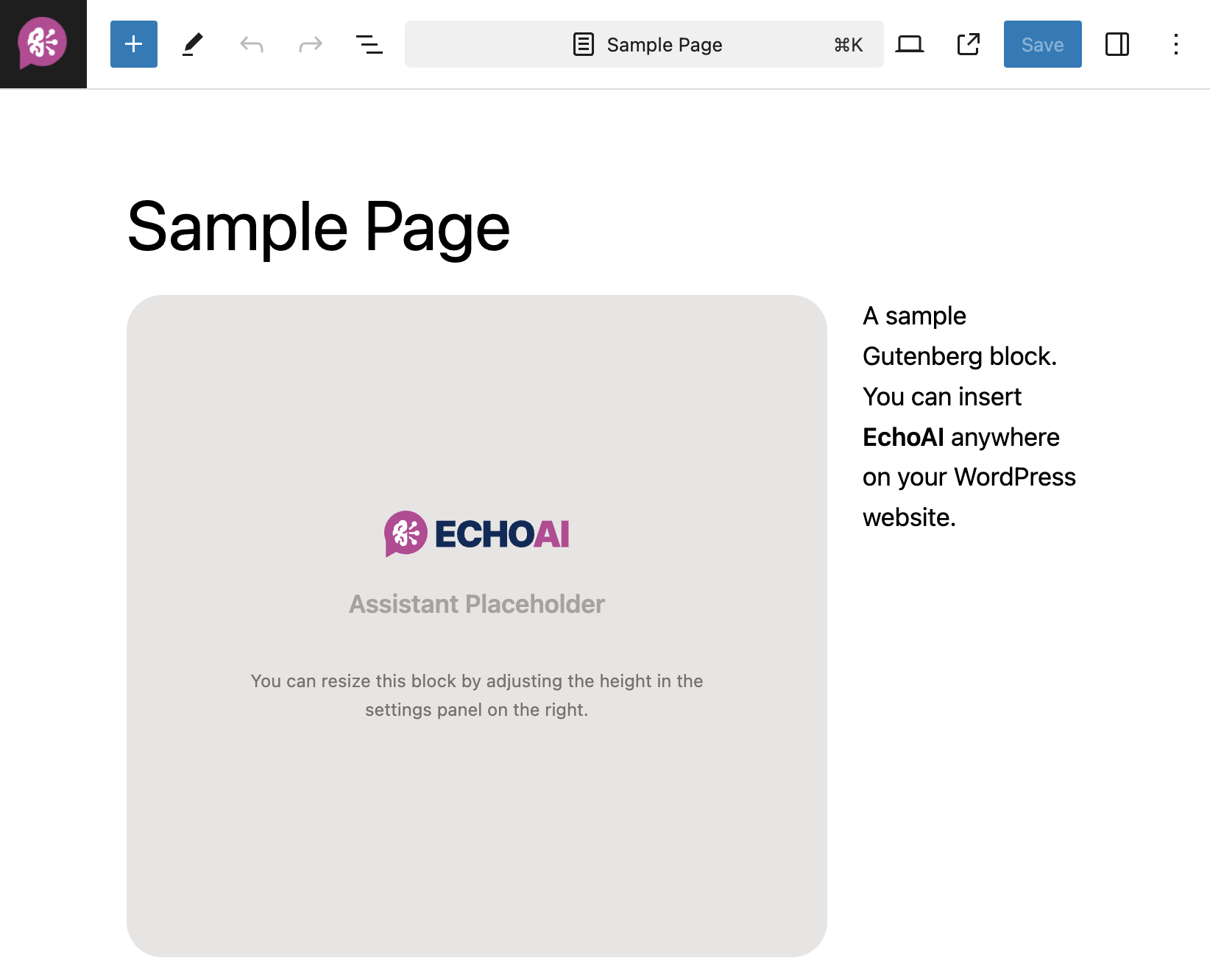
Gutenberg Editor
How to Use the Gutenberg Block?
1
Edit Page or Post
Open the Gutenberg editor for the page or post where you want to add the assistant.
2
Add the EchoAI Assistant Block
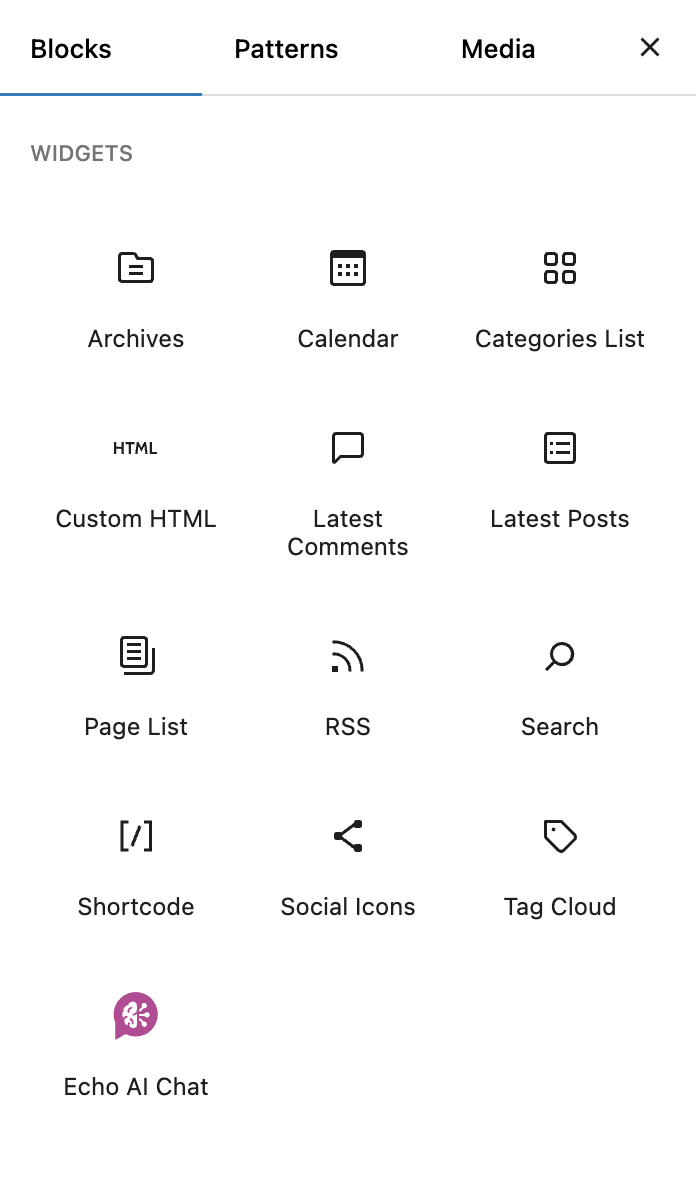
- Click the Add Block (+) button at the top left or within the content area where you want the assistant to appear.
- In the search bar, type “EchoAI Chat” and select the block from the results.
3
Customize the Block
- Once added, you can customize the block’s placement by dragging it to the desired position.
- Adjust the block’s height in the sidebar as needed. The default height is 400px.
- The block will automatically adjust its width to fit the available space.
Settings
Customize the assistant
Floating Button
Read how floating button works.
Shortcode
Read how to use the
[echo_ai] shortcode.