

How the Floating Button Works?
The floating button is the main way visitors interact with the EchoAI assistant on your site. It provides a quick and convenient entry point for users to ask questions and receive AI-driven responses based on your content. It allows visitors to get real-time answers without having to navigate through multiple pages.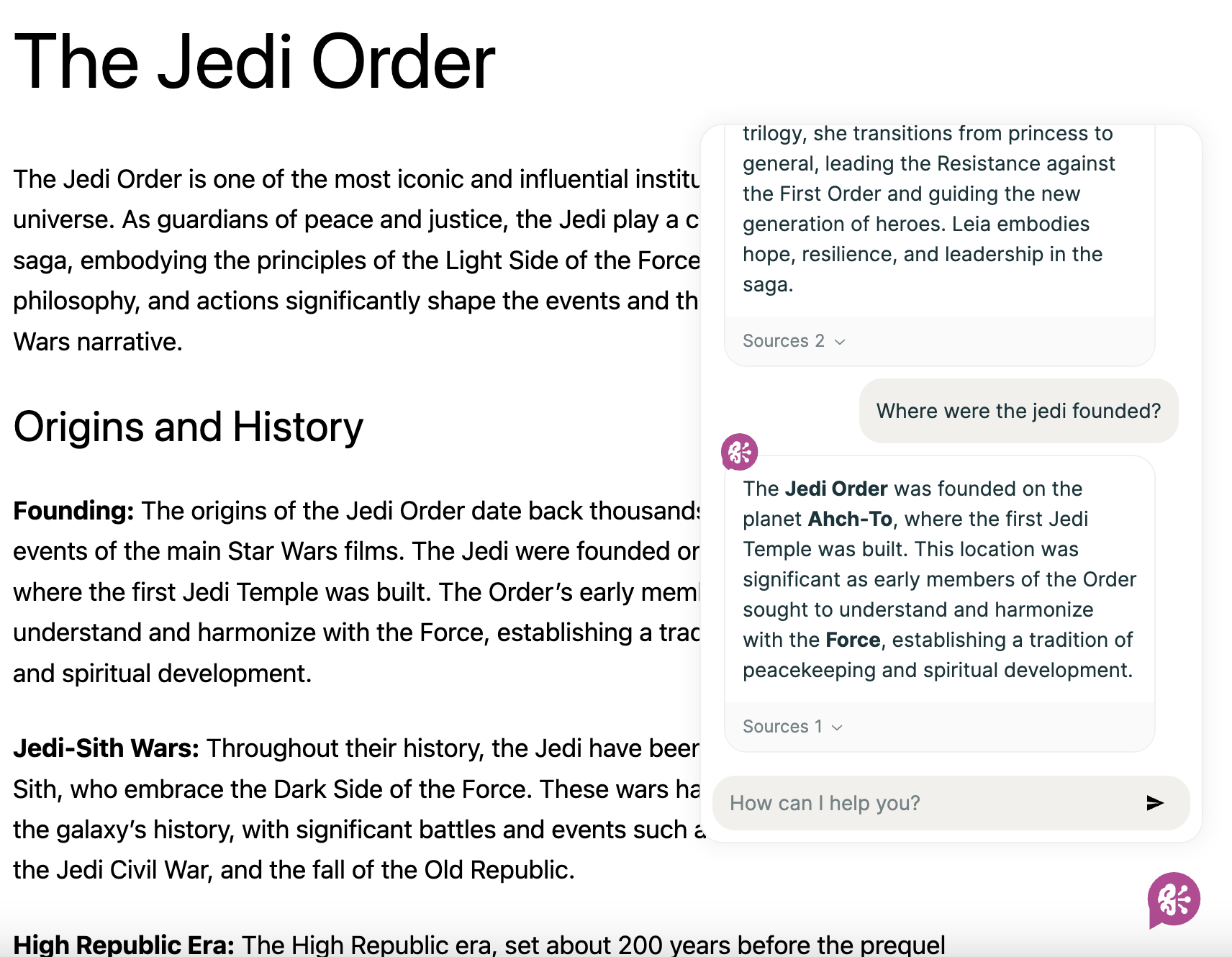
Floating Button Example
Default Behavior:
The floating button is turned on by default and will automatically appear once your website’s indexing is complete.Customization:
You can control the button’s position (e.g., bottom-right, top-left) or disable it entirely via the Settings page. Additionally, you can customize the icon to match your website’s branding. Please refer to the Settings page for more information.Settings
Customize the assistant
Gutenberg Block
Read how to use the Gutenberg block.
Shortcode
Read how to use the
[echo_ai] shortcode.